
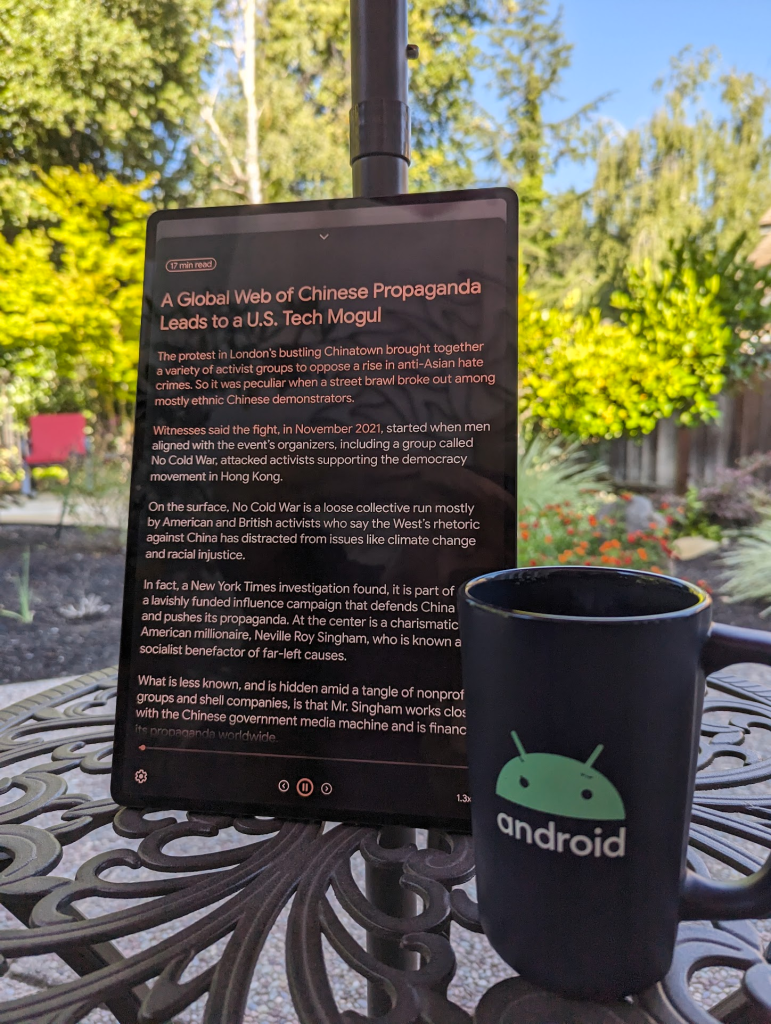
I read through a lot of material on my phone and tablet, and I often find that distractions such as flashing ads, overlays, tiny fonts on similarly-hued backgrounds, rickety bus rides, and otherwise unreadable design choices or environmental conditions block my ability to read and understand the content. I recently wrote about how to use the Speak selection feature on Mac, and I wanted something similar for my Android devices. Enter Android Reading mode: a total enabler for feeding my reading addiction.
Reading mode is an accessibility feature for Android that I absolutely love. Reading mode removes the distractions and places the content into a highly readable sheet that allows me to set my own preferences for contrast, typography, and layout. Even better, Reading mode includes an excellent text-to-speech function that lets me adjust the reading speed faster or slower, and highlights the words as they are read. There’s even a feature to place a horizontal line across the content to help keep your eyes in the right place, if you need it.
Reader mode is available on devices running Android 9 and higher. To get started, install Reading mode and go through the setup prompts. During setup, it will ask you to set a Reading mode shortcut. I find that pressing the volume up and down buttons simultaneously is the most convenient option on my Pixel 7 Pro, while on my Samsung Galaxy Tab S8 Ultra the Tap Accessibility button is best. To change this, go to Settings > Accessibility > Installed apps > Reading mode > Reading mode shortcut. Try the options yourself and see what works best for you!
When I use Reading mode, I will almost always use the text-to-speech feature. Text-to-speech gives me two inputs instead of one. Audio + text means that if I get distracted by one input channel, there’s a greater chance that the other input channel will keep the information stream moving. I think of it as a kind of network redundancy for my brain.

Furthermore, I can increase the playback speed. If I’m really focused and motivated, I can get the playback speed up to 2x, although my usual rate is around 1.2x to 1.3x. This helps me burn through content fast. Or sometimes I might slow the rate down to 0.7x, if I really need to understand a complex topic or want to catch every detail and nuance in a longer narrative.
Reading mode is a must-have for Android users who might suffer from even just a hint of distractibility. It’s an essential tool for reading news, blog posts, tutorials, stories, or whatever other types of content you might encounter. It totally helps me unpack content and really get into the material faster and more efficiently than if I was trying to just read the content as displayed. I hope you find it useful!

 San Bei Ji